Command Home
Open the day with blocked work, due items, health signals, sprint status, and portfolio alerts already arranged for action.
 SYEDELLO
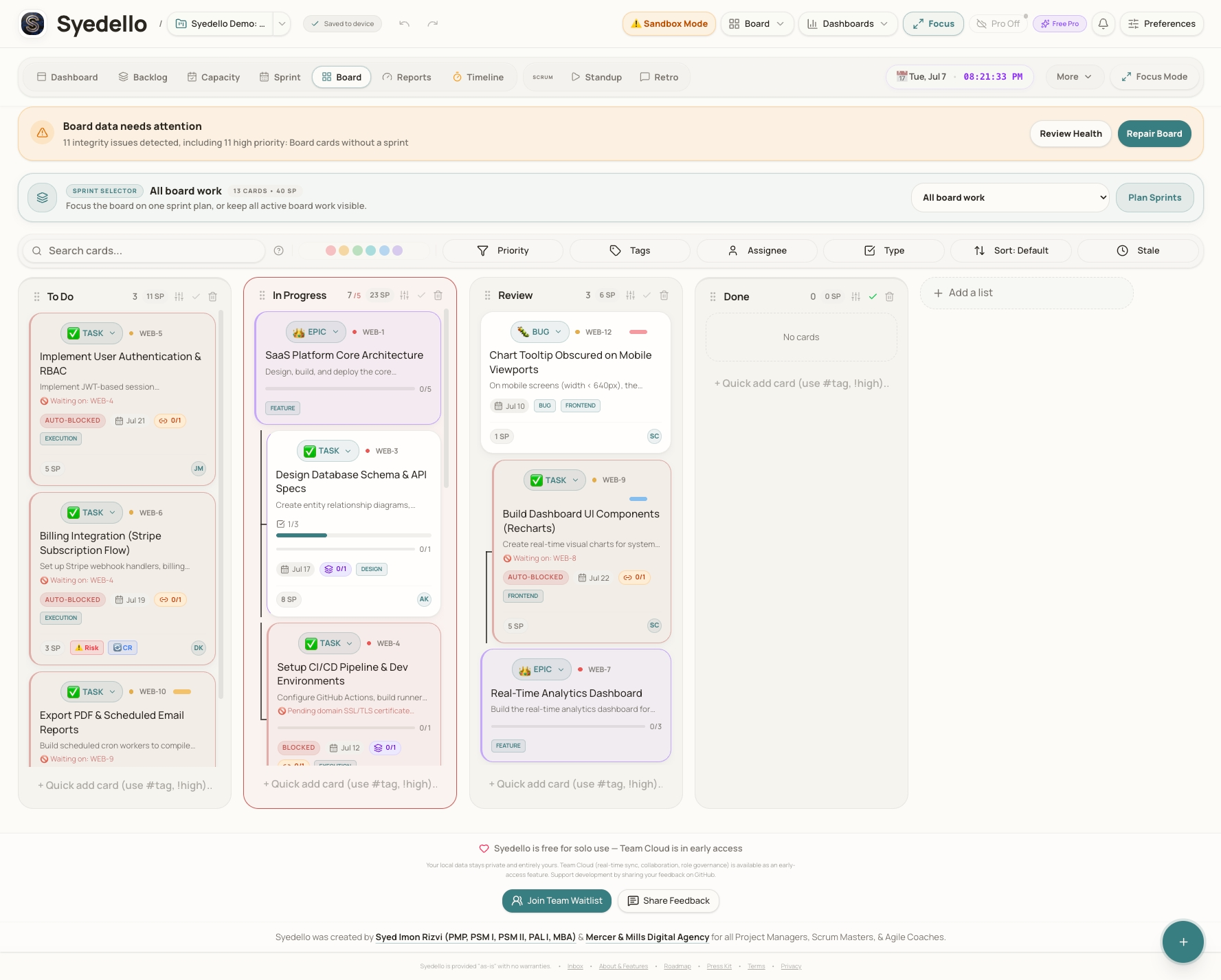
Syedello brings boards, sprints, RAID logs, timelines, baselines, reports, and portfolio health into one focused workspace for serious delivery work.
Open the day with blocked work, due items, health signals, sprint status, and portfolio alerts already arranged for action.
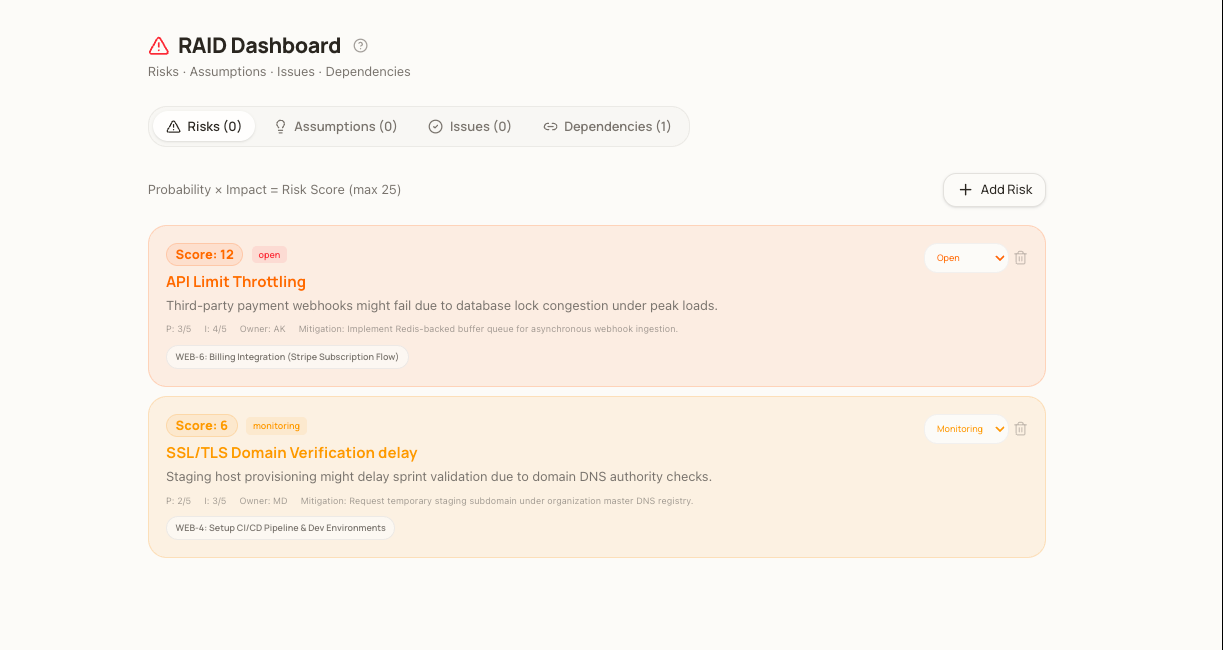
Connect risks, issues, dependencies, baselines, decisions, and status reporting without leaving the project workspace.
Launch with Scrum, client delivery, RAID control, timeline planning, simple Kanban, or founder roadmap setups.
Built for delivery
Visitors should understand immediately that Syedello is not a simple task list. It is a project control room with planning, governance, reporting, and recovery paths.
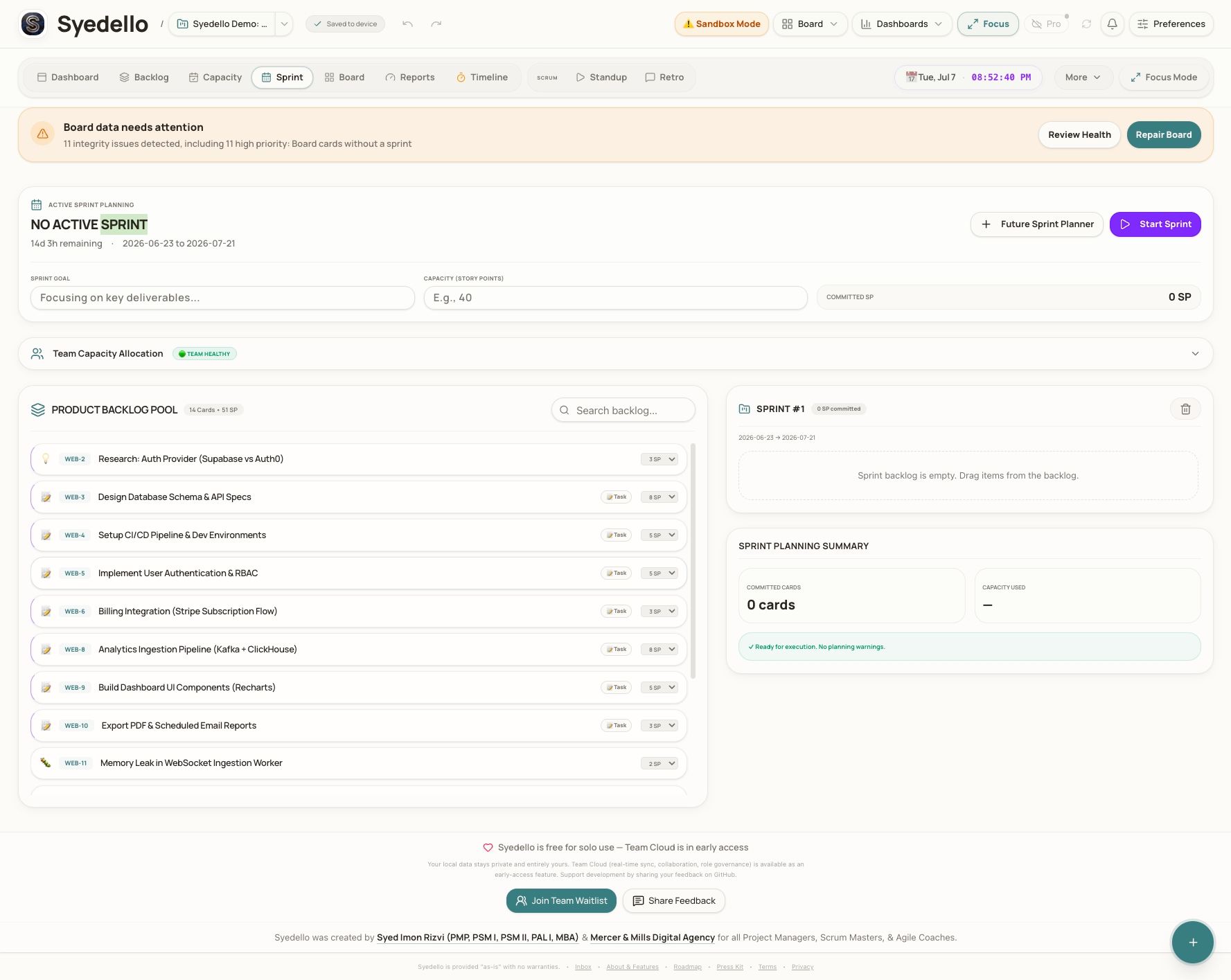
Use curated templates, backlog planning, sprint setup, priorities, owners, story points, and due dates to move from blank page to execution quickly.
RAID logs connect project-level governance to day-to-day task flow, so important risks do not disappear into a separate spreadsheet.
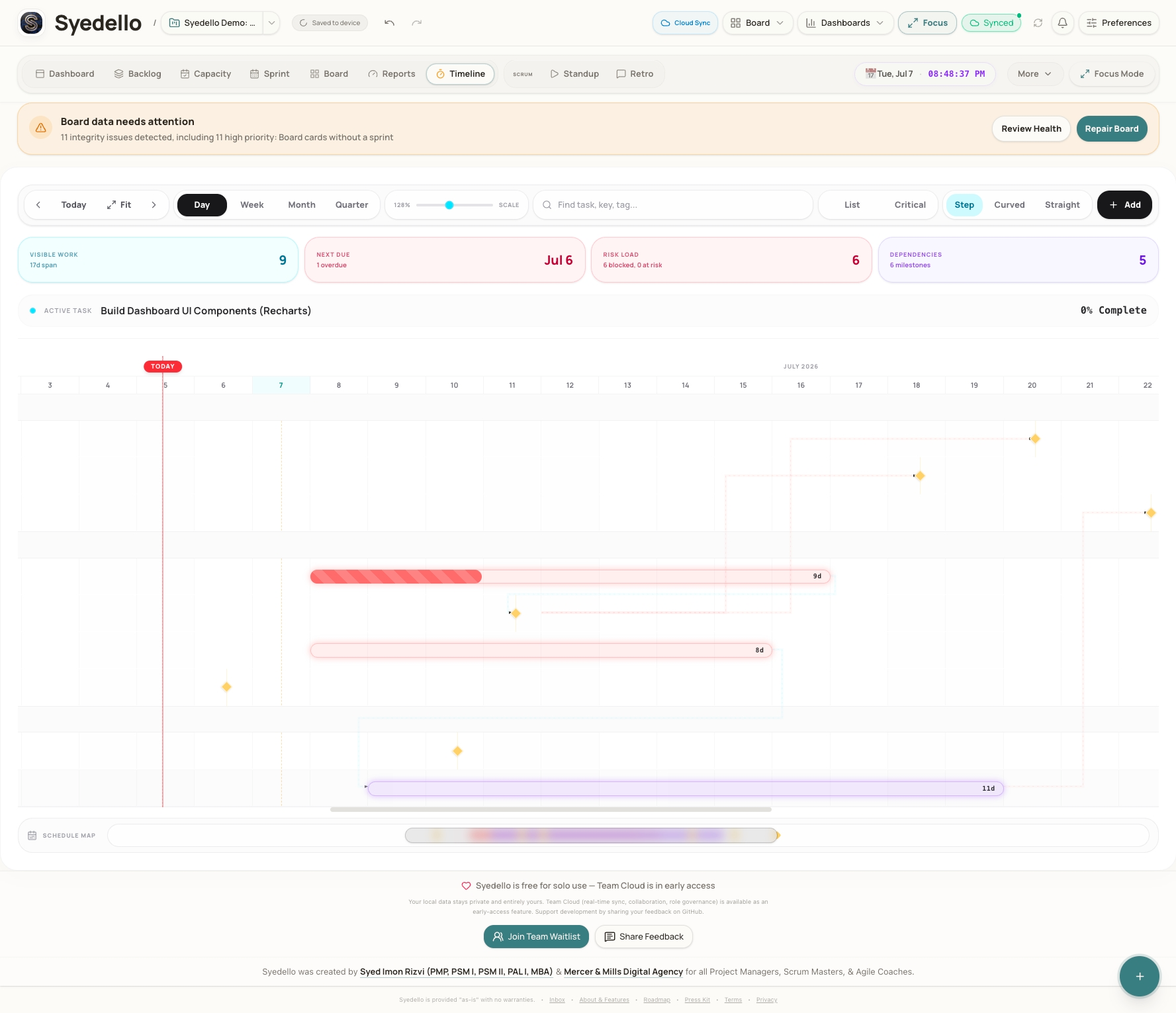
Timelines, baselines, reports, portfolio summaries, and status updates give stakeholders a clear view of where work stands.
Setup gallery
The homepage leads people into a practical first step: choose a board style, launch a starter workspace, and see useful project management patterns immediately.
Open Setup GalleryStart blank or launch with realistic demo work.
Start blank or launch with realistic demo work.
Start blank or launch with realistic demo work.
Start blank or launch with realistic demo work.
Start blank or launch with realistic demo work.
Start blank or launch with realistic demo work.
Open the app and begin locally. Add cloud sync only when collaboration needs it.
Workspace files, backup reminders, and local-first storage keep ownership clear.
Boards, timelines, RAID, baselines, decisions, reports, and portfolio panels work as one system.
This landing page turns discovery traffic into a simple decision: understand the product, then open the app and choose a project setup.